PLS DONATE Guide: Create a Gamepass in Creator Hub, Robux Payouts & Codes
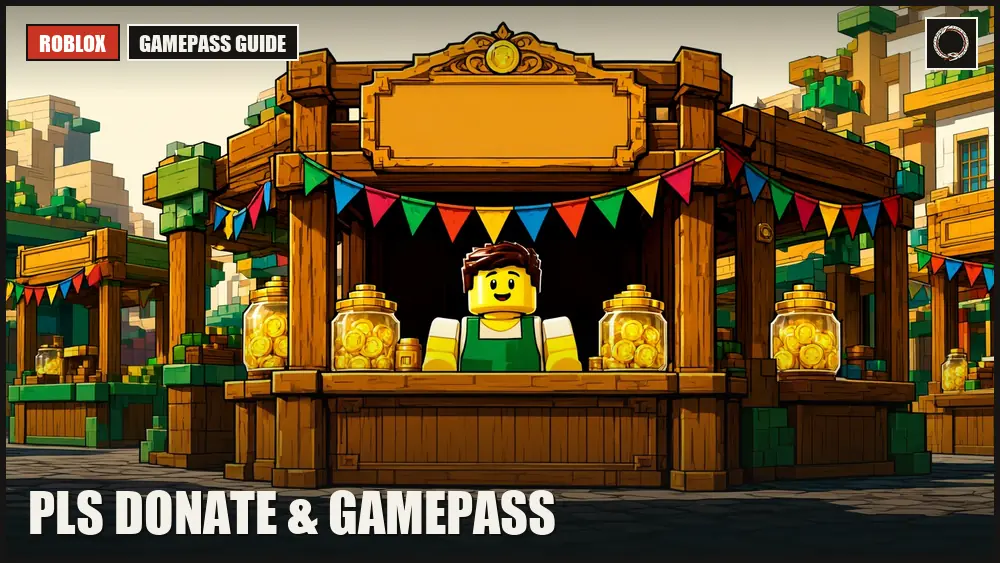
To list donation buttons in PLS DONATE, open create.roblox.com -> Creations -> default public experience -> Monetization -> Passes -> Create pass -> Sales -> Item for Sale ON. You keep 60% of each PLS DONATE purchase (Roblox takes 30%, PLS DONATE takes 10%) and funds clear from Pending Robux in roughly 5-7 days.
How to Make a Gamepass in Creator Hub (Step by Step)
Creating a Gamepass costs 0 Robux and works cleanly on desktop or mobile browsers without opening Roblox Studio (as long as your default starter place is published):
- Open
create.roblox.com(on mobile, tap browser settings -> Request Desktop Site first). - Sign in, open Creations -> Experiences, and click your default public game (
[Your Username]'s Place). Ensure it is set to Public, not Private. - In the left sidebar, open Monetization -> Passes and click Create pass.
- Give your pass a clear title (for example
10 Robux Support), add an optional square thumbnail, and click Create pass. - Crucial step: Click the newly created pass in your list, switch to the Sales tab on the left, toggle Item for Sale ON, enter a price (
5,10,25, etc.), and click Save Changes. - Rejoin PLS DONATE, claim an open booth, and verify your new price buttons load cleanly.
PLS DONATE Fee & Pending Payout Breakdown
| Listed Pass Price | You Keep (60% Net) |
Roblox Fee (30%) + Game Cut (10%) |
Pending Wait Time |
|---|---|---|---|
| 5 Robux | 3 Robux |
2 Robux |
~5–7 days |
| 10 Robux | 6 Robux |
4 Robux |
~5–7 days |
| 25 Robux | 15 Robux |
10 Robux |
~5–7 days |
| 50 Robux | 30 Robux |
20 Robux |
~5–7 days |
| 100 Robux | 60 Robux |
40 Robux |
~5–7 days |
Booth pricing tip: Keep a clean ladder (
5 / 10 / 25 / 50 / 100 / 500Robux). Skipping low tiers misses casual tips, while skipping100+buttons leaves big donors nowhere to click.
Active PLS DONATE Codes (Giftbux & Booth Skins)
Redeem these via the yellow ticket/gift Codes button on the left side of the screen:
| Code | Reward | Use |
|---|---|---|
hazem |
50× Giftbux |
Currency for booth cosmetics |
HAUNTED |
30× Giftbux |
Booth customization |
PLSDONATENEWS15 |
15× Giftbux |
Booth customization |
Eagle_15 |
15× Giftbux |
Booth customization |
ultramegasuperawesomeamazingsecretgiftbuxcode |
15× Giftbux |
Booth customization |
plsdonate2 / quataun |
20× / 50× Gift Boxes |
In-game reward boxes |
pixel / lazarbeam |
Custom Booth Skins | Pixel Playground & Lazar Beam booths |
Stay safe: Never trust players promising to “double your Robux” if you donate first—bookmark our Free UGC & Scam Protection Guide and lock down your login via Account Recovery & 2FA Security.
Frequently Asked Questions
How do I create a Gamepass for PLS DONATE on PC or mobile?
Go to create.roblox.com (switch mobile browsers to Desktop Site mode), click Creations -> your default public experience -> Monetization -> Passes -> Create pass, then open that pass again, go to Sales, toggle Item for Sale ON, enter a price, and Save Changes.
Why didn't my donated Robux show up immediately in my balance?
All creator payouts go into Pending Robux for fraud verification and take around 5 to 7 days to release into your spendable balance.
How much Robux tax does PLS DONATE take?
Roblox takes the standard 30% Marketplace fee and PLS DONATE takes a 10% in-experience creator cut, leaving you with 60% net per stand donation.
Do PLS DONATE codes give free Robux?
No—active codes such as hazem, HAUNTED, and plsdonate2 grant Giftbux or free cosmetic booth skins, never free Robux.
Why aren't my newly created Gamepasses appearing on my stand?
Usually either Item for Sale is still toggled OFF under Sales, your linked starter place is set to Private instead of Public, or you need to tap Refresh while editing your booth.