How to Create a Free Private Server in Roblox (0 Robux Guide)
Quick Answer (TL;DR)
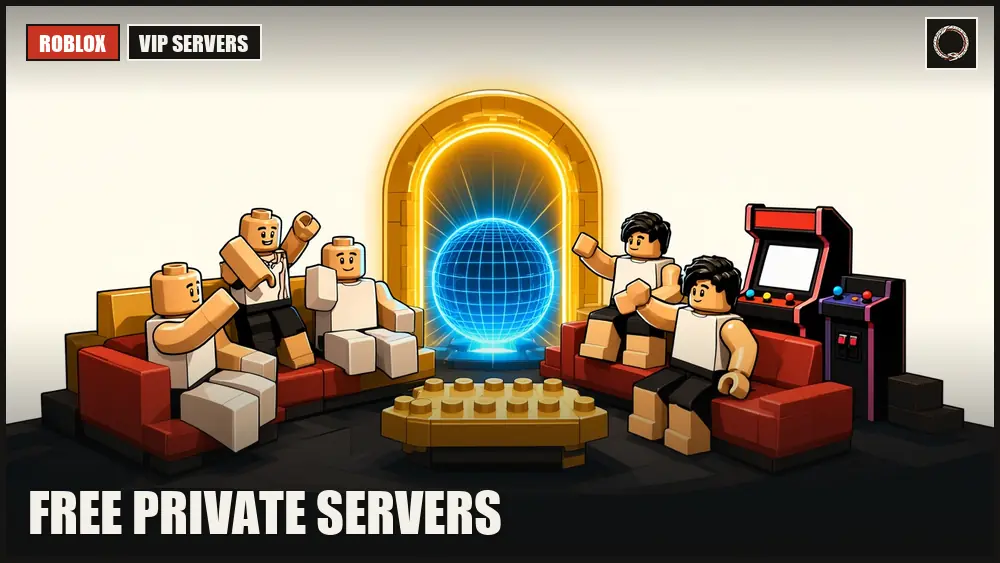
Open a game's Servers tab and click Create Private Server—whenever the developer sets the price to Free (0 Robux), you can host unlimited friend-only lobbies with zero Premium required.
How to Create a Free Private Server
- Open the experience page on
roblox.comor inside the Roblox app without pressing Play. - Scroll down and select the Servers tab.
- Click Create Private Server under Private Servers.
- When the price reads Free, name your server, confirm, and invite friends from Configure → Friends Allowed (or share the official link).
Popular Games With Free vs Paid Private Servers
| Experience | Private Server Cost | Why It Helps |
|---|---|---|
| Doors | Free (0 Robux) | Assemble a private lobby without random players jumping into your elevator |
| Pressure | Free (0 Robux) | Queue submarines cleanly with your squad |
| Dead Rails | Free (0 Robux) | Launch 80km train runs strictly with friends |
| Dandy’s World | Free (0 Robux) | Practice deeper floors without public lobby disconnects |
| Grow a Garden | Free (0 Robux) | Chill shared farming session with zero lag or crowding |
| Blox Fruits | Paid (Monthly Robux) | Controlled by developer pricing—check the Servers tab for current rates |
Watch Out for Fake VIP Server Links
Only accept private server links hosted directly on roblox.com. Lookalike links shared in Discord DMs or video comments often steal login sessions—review our 2FA & Scam Protection Guide to lock down your account.
Frequently Asked Questions
Can you make a private server free if the developer charges Robux?
No. Server pricing is controlled strictly by each experience's creator. Any third-party tool claiming to bypass paid VIP servers is fake.
Why cannot my friends join my free private server?
Check Settings -> Privacy -> Who can invite me to private servers on both accounts and switch it from No One to Friends (or toggle Friends Allowed inside the server's Configure page).